Jalpaiguri Land Records 2026 (BanglarBhumi)
Complete guide to checking land records, Khatian status, and Plot information for Jalpaiguri District.
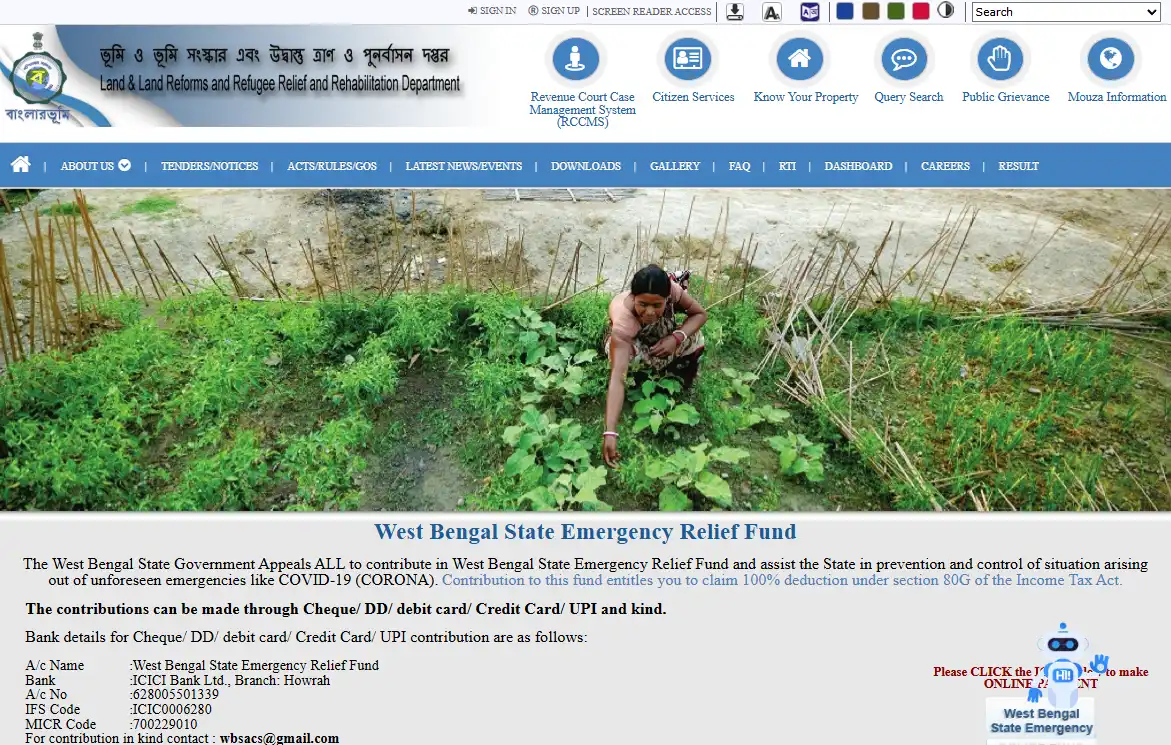
If you own property in Jalpaiguri, checking your land records (BanglarBhumi) is essential for verifying ownership, applying for mutation, or paying khajna. The West Bengal government's digitised portal allows citizens of Jalpaiguri to access these records from home.
How to Check Land Records in Jalpaiguri?
Select District
Go to the Know Your Property page and select "Jalpaiguri" from the District dropdown menu.
Choose Block & Mouza
Select your specific Block within Jalpaiguri and then find your Mouza (Village) name.
Enter Khatian/Plot No
Enter your Khatian or Plot number to view the ROR (Record of Rights) details for your land in Jalpaiguri.